
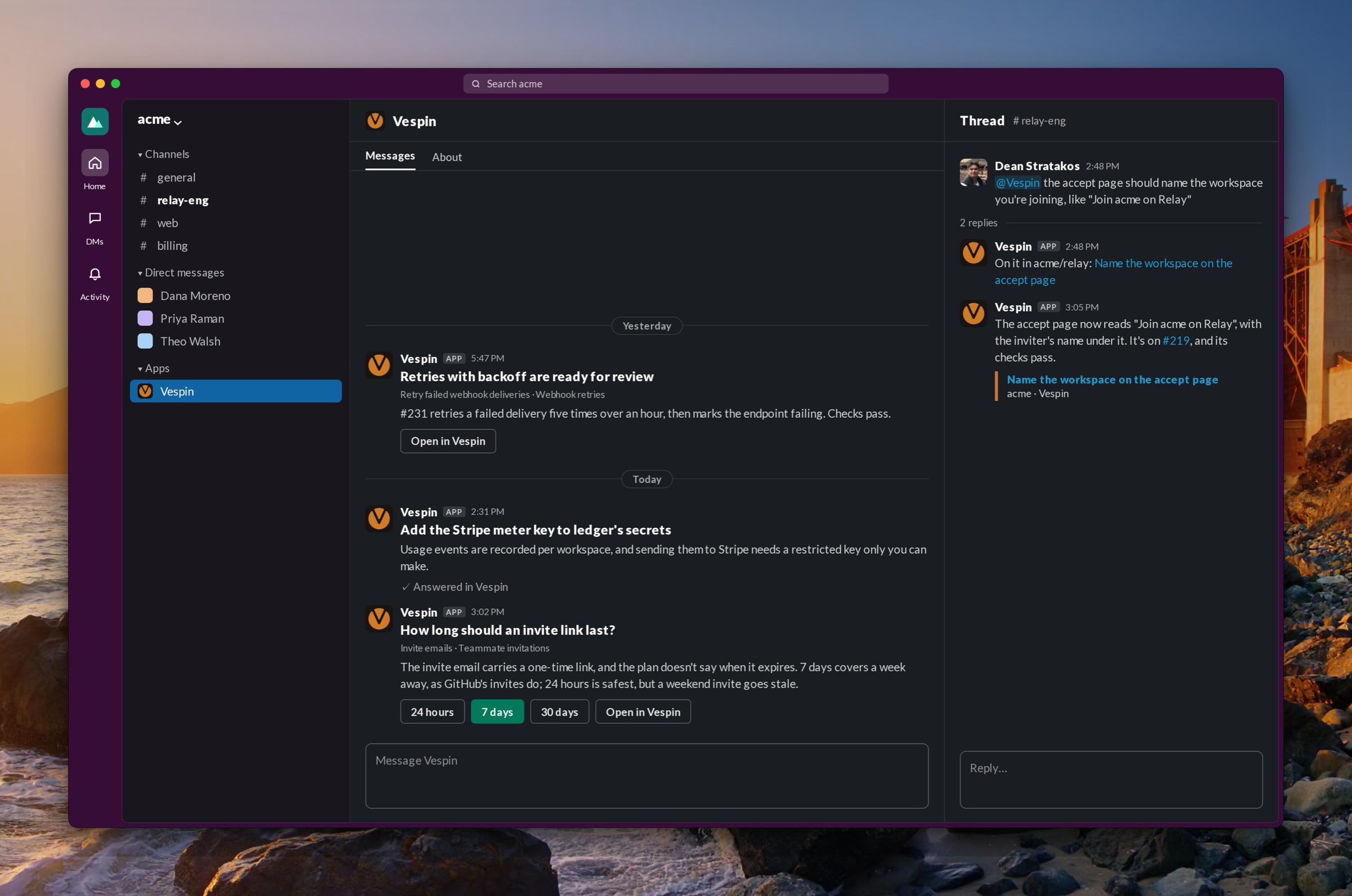
Connect the bot
An owner or admin connects it once per workspace: Settings › Workspace › Workspace connections, then Connect on the Slack row. A Vespin workspace connects to one Slack workspace. Under Slack settings on the same row:- Default repository: where agents started from Slack work when nothing else says.
- Add channel: adds the bot to a public channel. For a private channel, run
/invite @Vespinin it. - Each channel can have its own repository, which overrides the default.
Start an agent
Mention @Vespin in a channel the bot is in, or DM the bot. The bot reacts with 👀, replies with an Open in Vespin link, and starts an agent on a new task assigned to you. The agent reads the earlier messages in the thread and any images in it. The agent picks a repository in this order:- An
owner/namewritten in your message. - The channel’s repository.
- The workspace’s default repository.
- The repository of your most recent agent.