
Asks
An agent’s message can end in one ask:- A decision: pick one option, or several where it says Pick any. Options with pictures add None of these.
- A to-do: steps you do by hand. Mark done when they’re done, or Couldn’t do it.
- A form: fields to fill in.
- An answer: a reply in your own words.
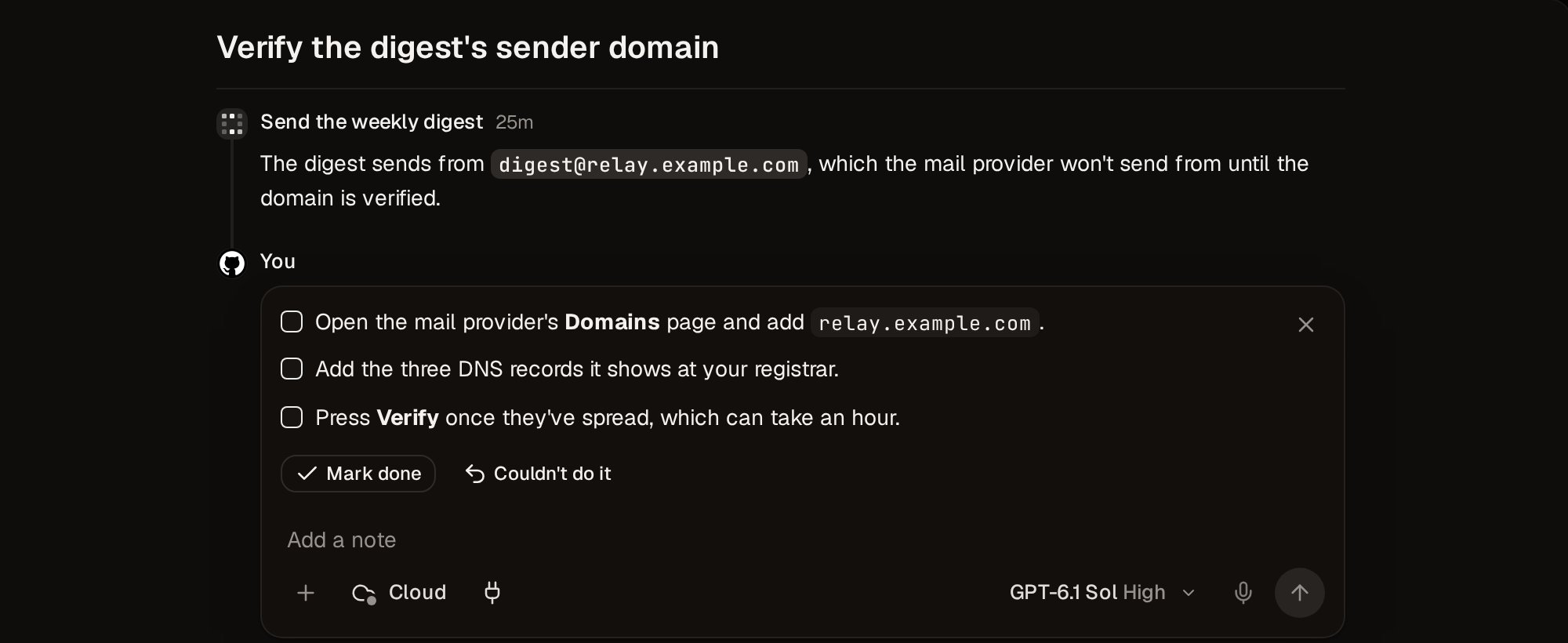
Answer
Pick, tick, or fill in, add a note if the agent needs one, and Send. Press 1–9 to pick an option and ⏎ to send. Send with nothing picked to reply without answering.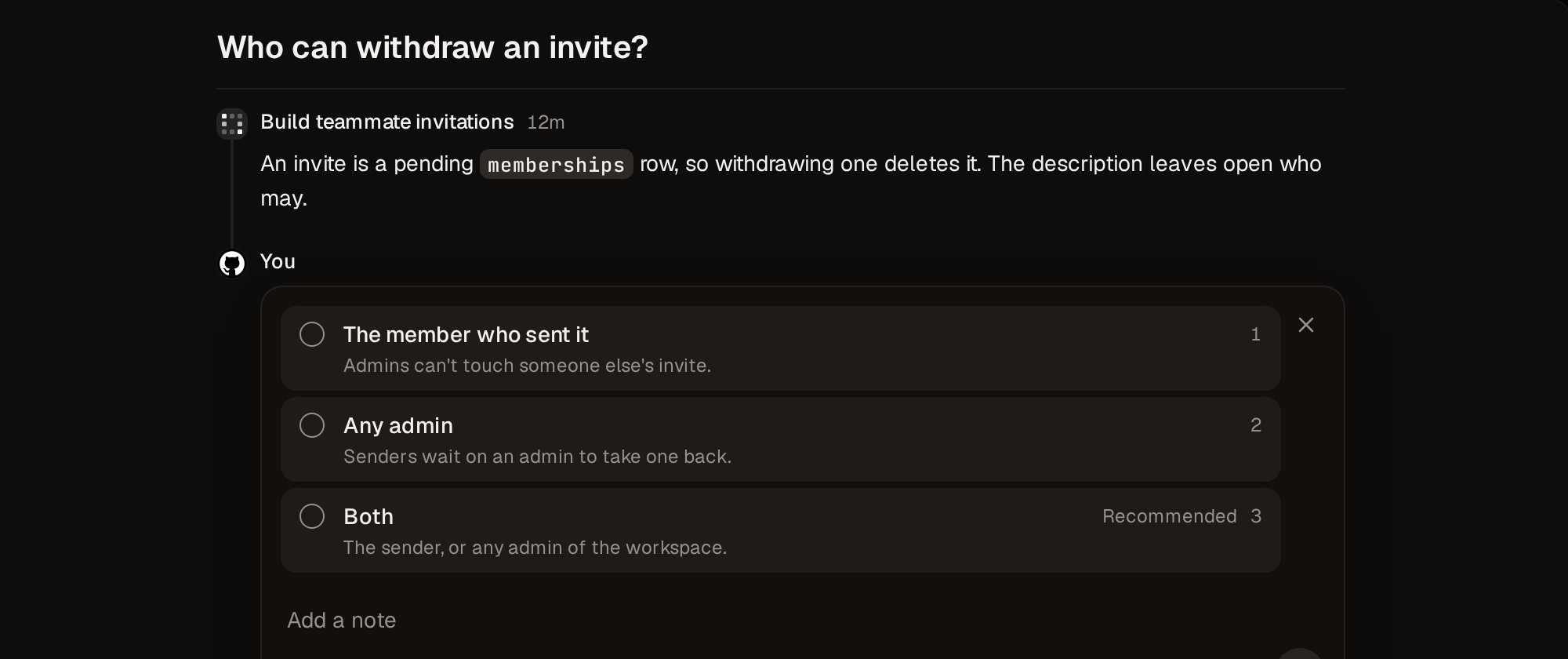
Resolve and remind
Resolve (E) closes an item without answering it, and the agent is told. Remind me (H) hides an item until the time you pick, then puts it back at the top. ⌘Z undoes either, though not a Resolve the agent has already been told of.What the list shows
View options chooses Questions, Open (the default), All, or Reminders, and Addressed to chooses Me (the default), Anyone, or one teammate. For every key, see Keyboard shortcuts.Away from the app
- Slack: the Vespin bot can DM you each item to answer there. See Slack.
- Mac and web: turn on Play a sound or Show a notification in Settings › Preferences › Notifications.