
Start a call
When an agent’s message box is empty, Talk appears in place of Send. Press it to call the agent. You can also call from the box that starts a new agent. Your first words become the agent’s first message, and if you hang up without saying anything, the agent is deleted. Calls work in the Mac app and on the web, one call per window at a time.What you need
Calls run on your own OpenAI API key. Add one to the Codex card in Settings › Agents. A ChatGPT plan doesn’t work for calls. Without a key, Talk reads Add an OpenAI API key. You can pick the voice under Voice on the same page. In the Mac app, Prefer the Mac’s microphone in Settings › This Mac applies to calls too.During a call
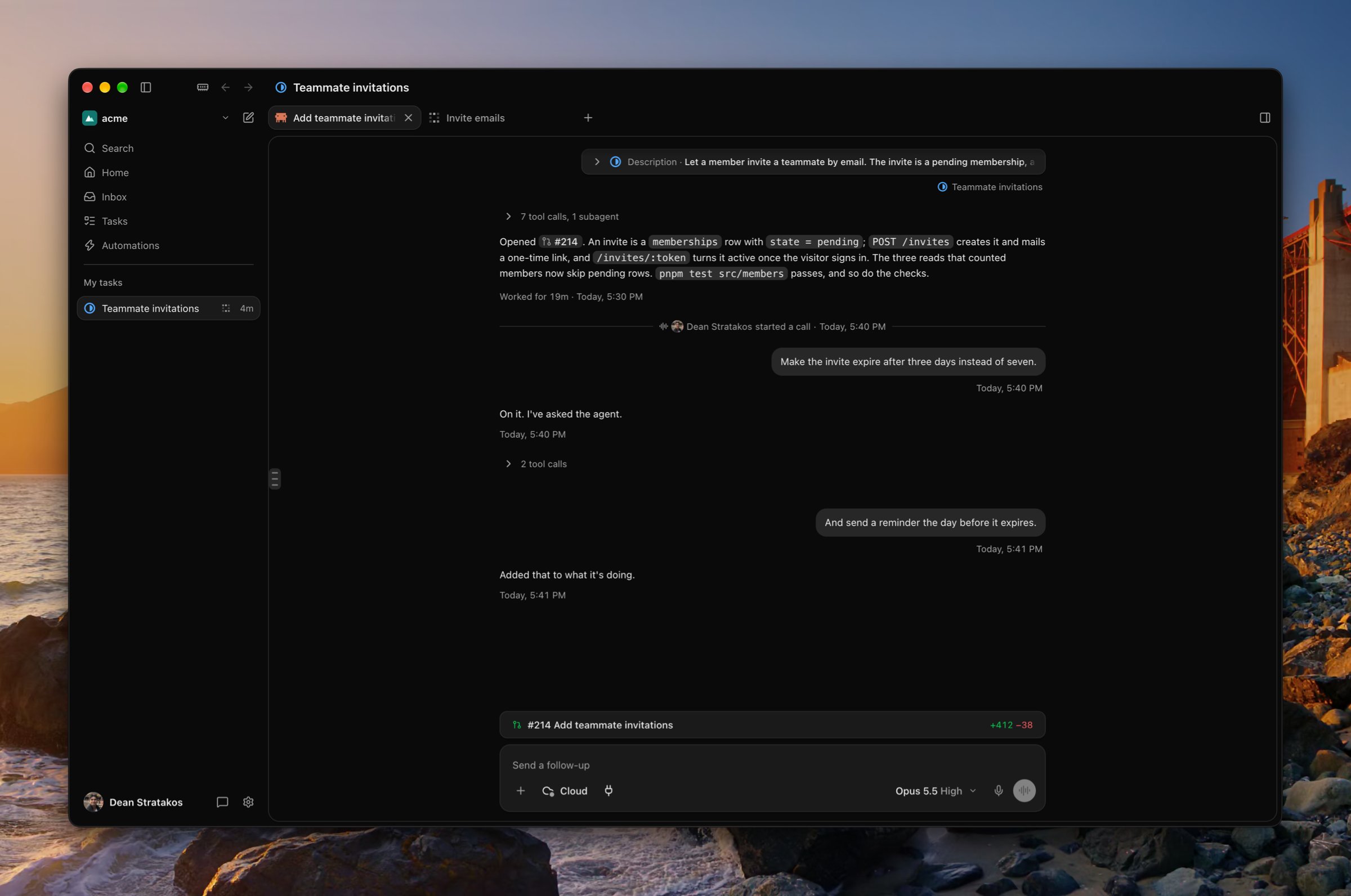
- Mute microphone stops the voice from hearing you. Mute speaker mutes the voice on this device only.
- End call hangs up and leaves the agent working. To stop the agent, press Stop.
- You can still type to the agent during a call.
- If you leave the agent’s page, the call moves to a card at the bottom of the sidebar. In the Mac app, the card floats above other windows.