The Overview
The task’s name, at the top of the task, opens its Overview: its status, priority, and assignee, its sub-tasks, its agents, and its pages.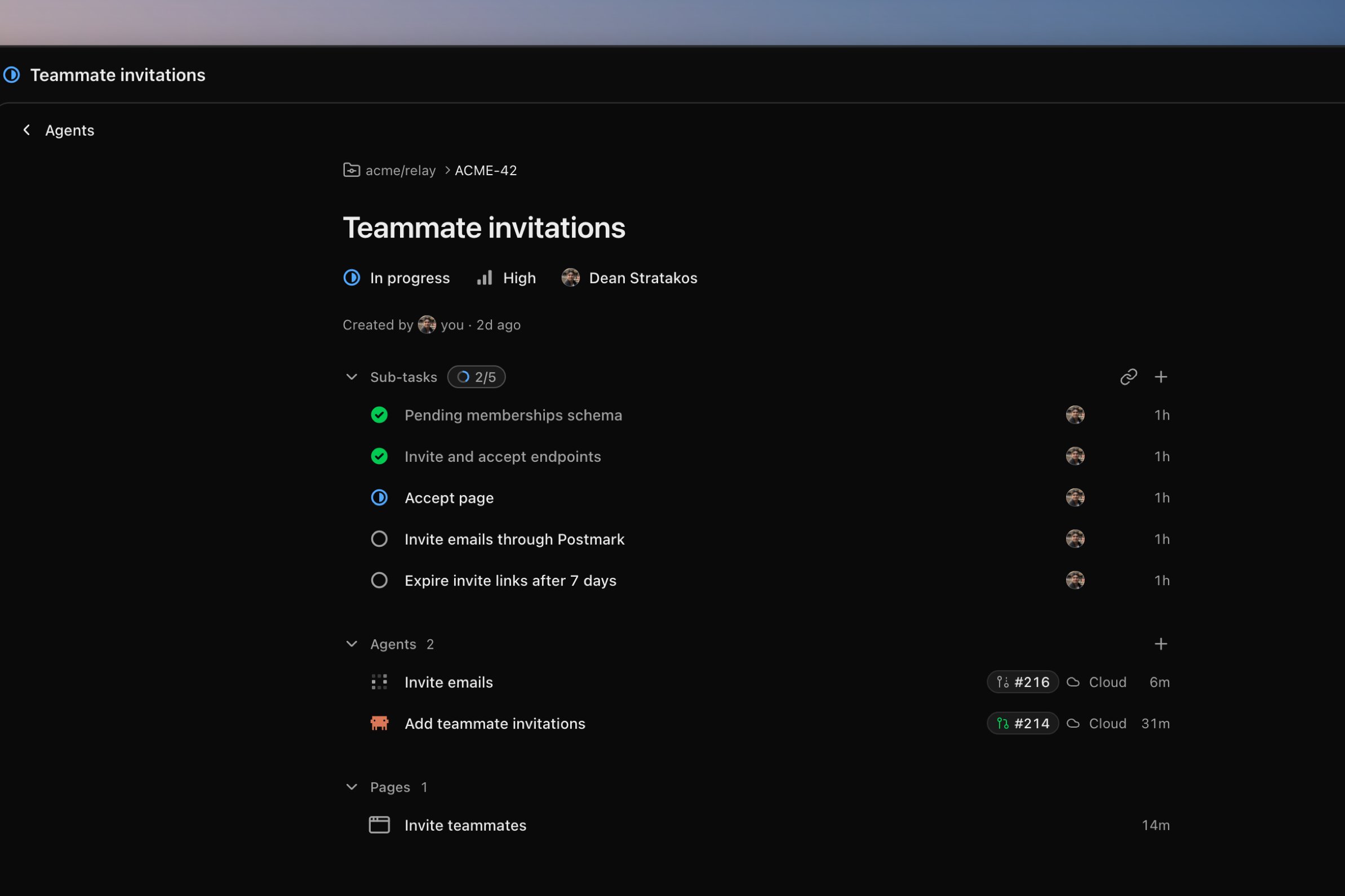
Sub-tasks and relations
A sub-task is a task of its own that works in its parent’s repository. A task can also be blocked by another. A block is advice: nothing stops a blocked task’s agents from starting.Agents
Every agent on a task works in the task’s repository. Press ⌘T (⌥⌘T in a browser) outside the side panel to start another. A cloud agent works in its own sandbox, set up in Cloud environment, and asks before acting as its permissions say.Pages
An agent can show you an interactive page, such as a chart, a table, or a mockup. A comment on a page goes to the agent that wrote it. Start a review to send several at once.The agent’s browser
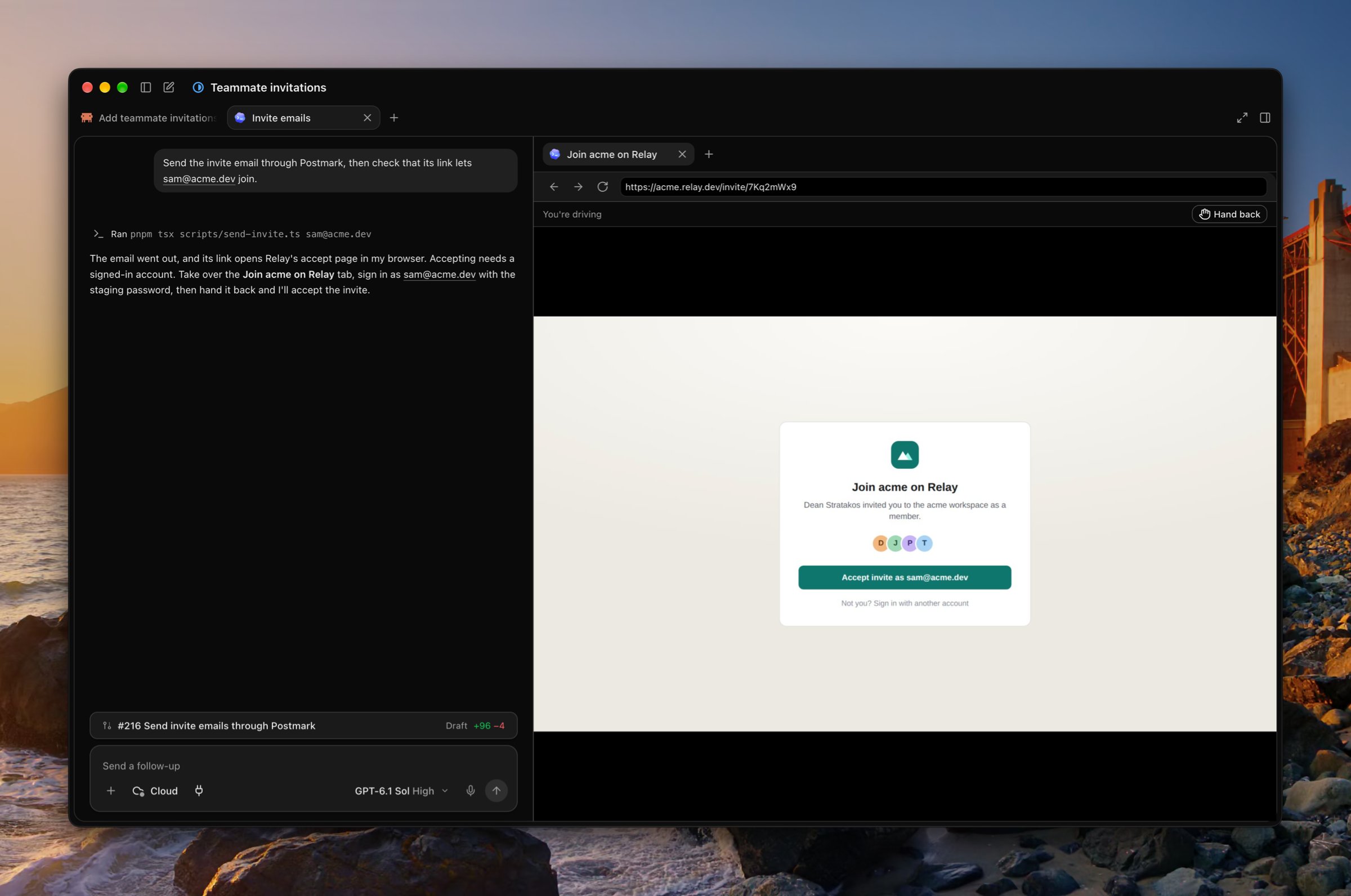
A cloud agent has its own browser, a Chromium in its sandbox, which it uses to check pages it built or to reach a site you sign in to. Open its tabs from + in the task’s side panel. A tab the agent opens stays out of your panel until you do.